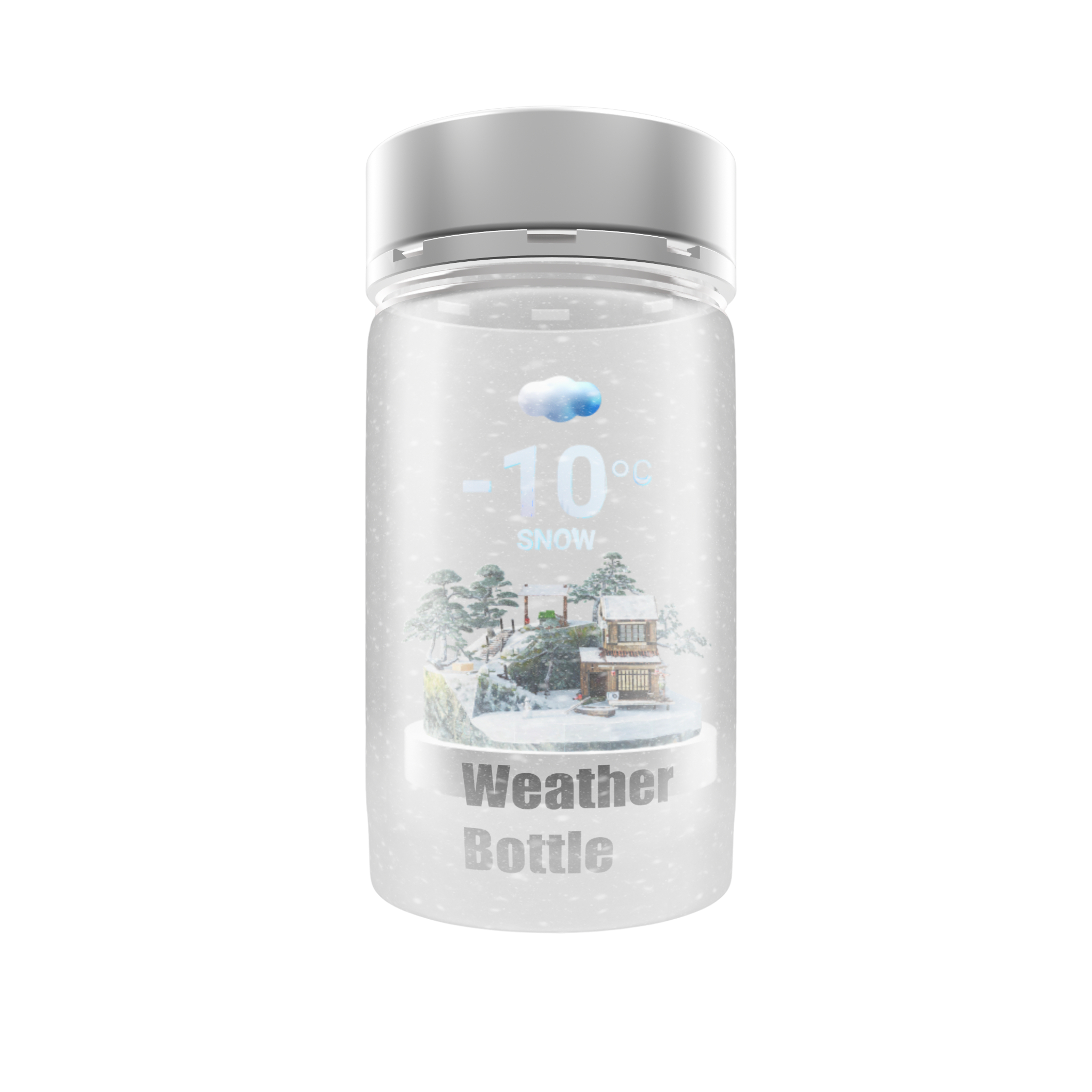
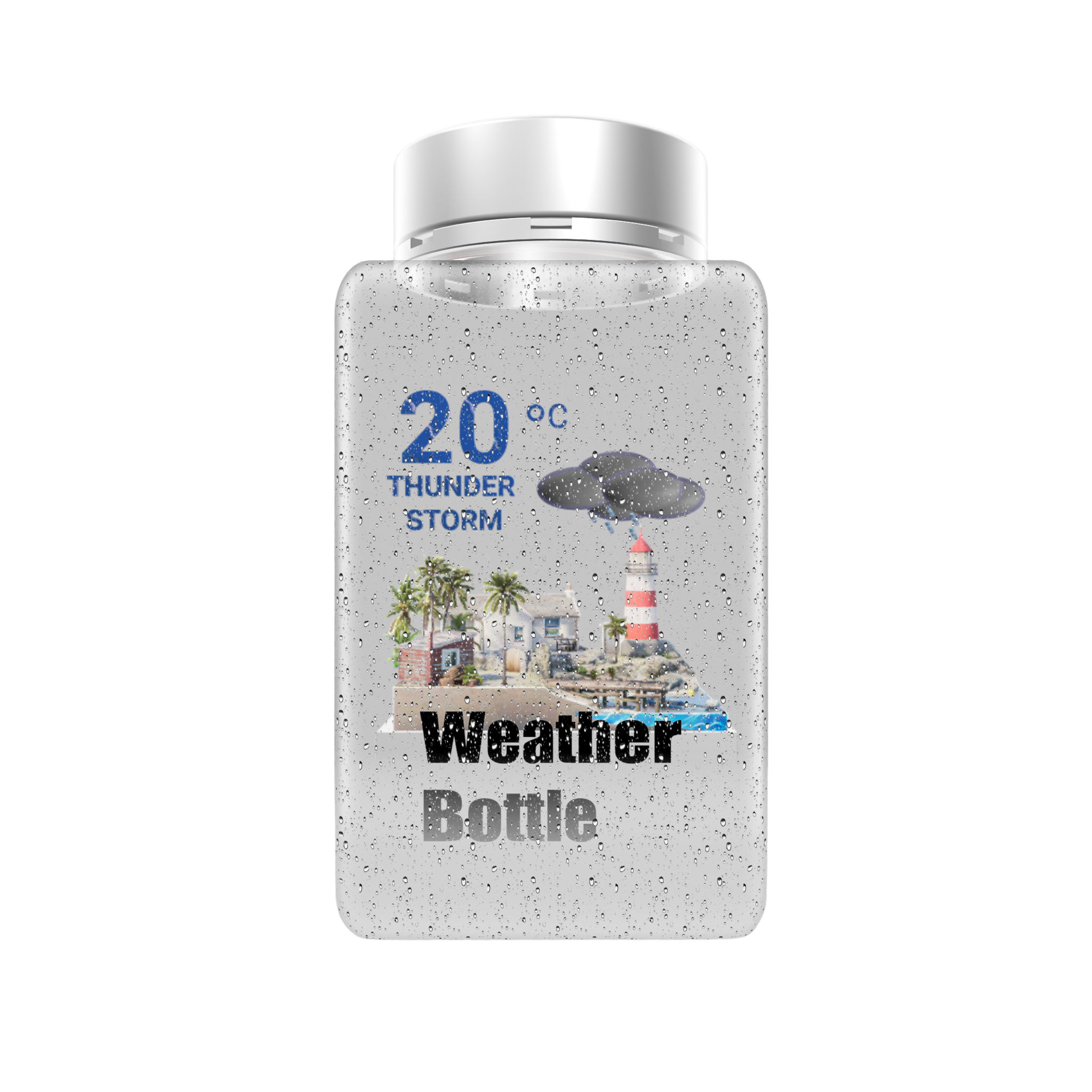
Weather Bottle for iOS

Put weather in a bottle.

Real-time weather, reimagined as a living 3D scene.

weather_bottle.spline3D
Download on theApp Store

Powered by Apple Weather

The idea

Your forecast, alive.

Inside every bottle lives a tiny world. When rain falls outside your window, it falls inside the glass too. When the fog rolls in, the harbor disappears. Weather Bottle doesn't report the sky — it keeps a small piece of it.

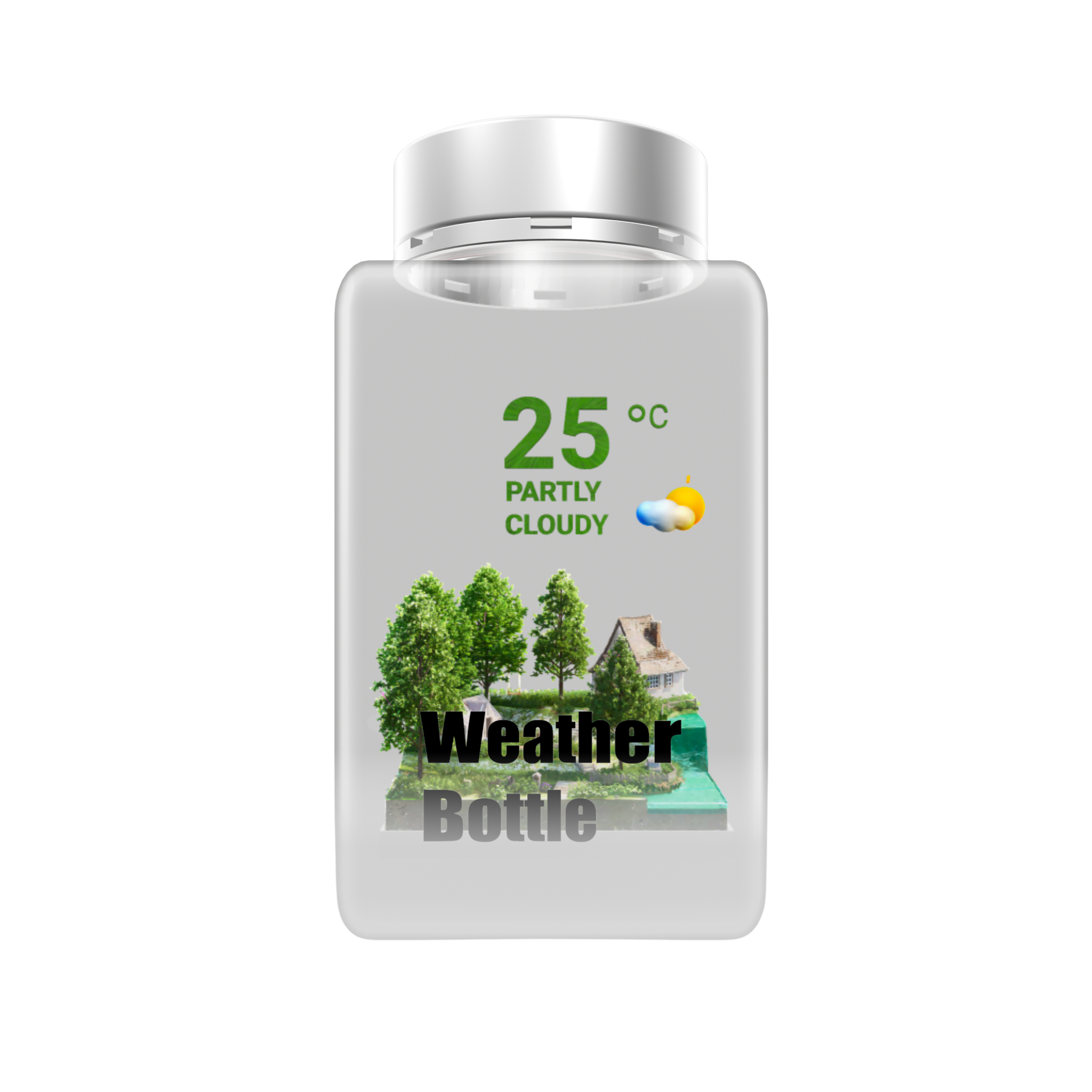
Partly Cloudy · Beijing

Twelve tiny worlds

One bottle for every kind of sky.

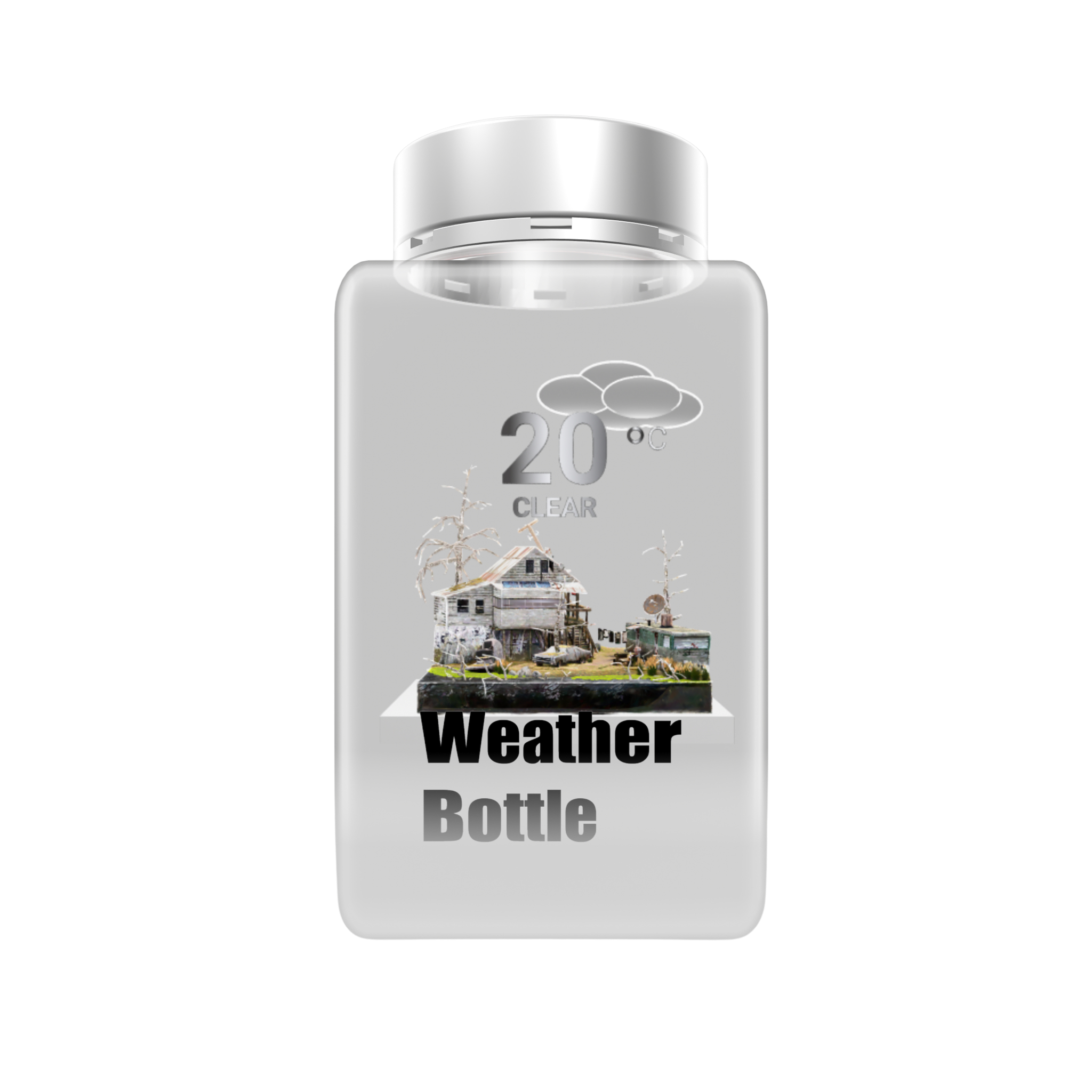
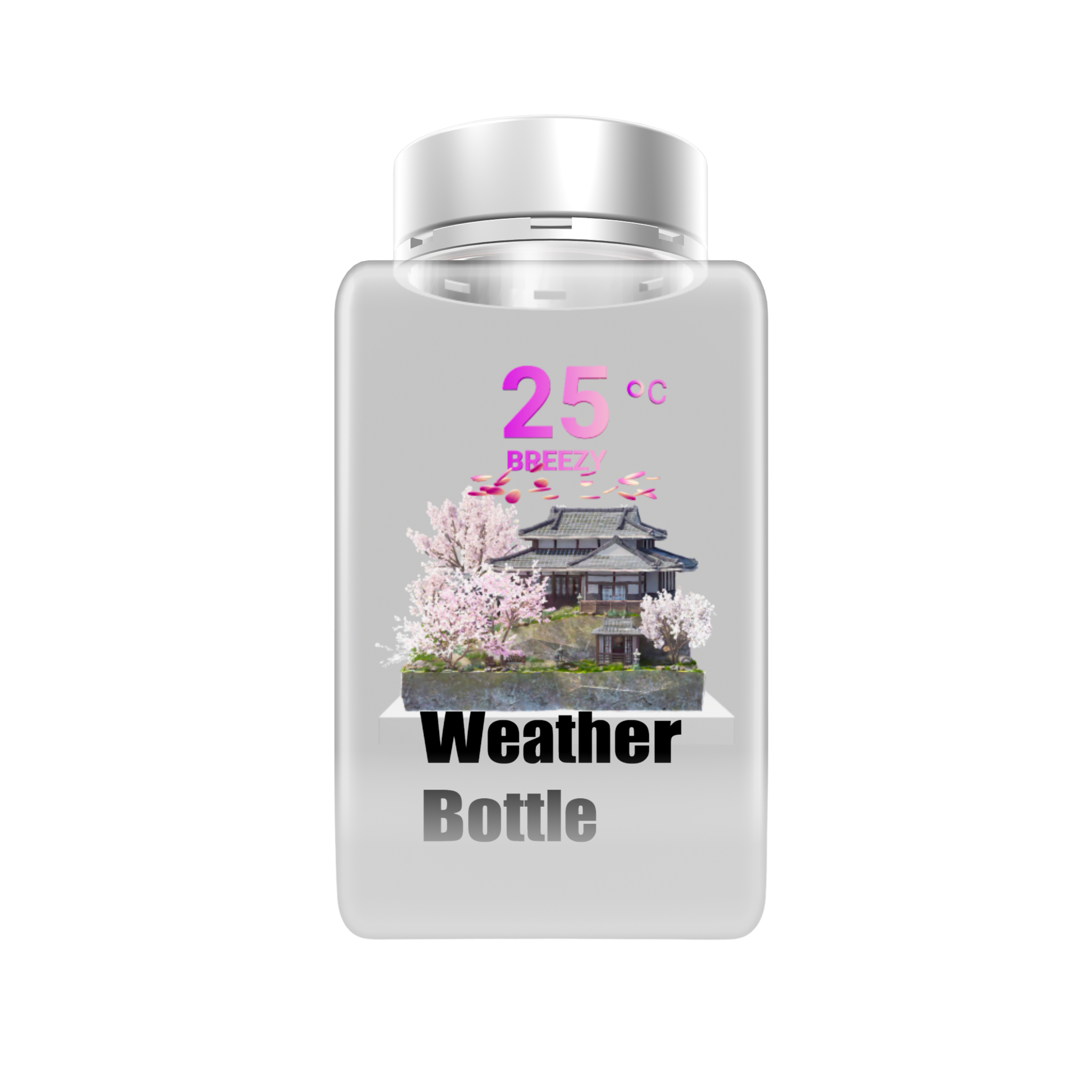
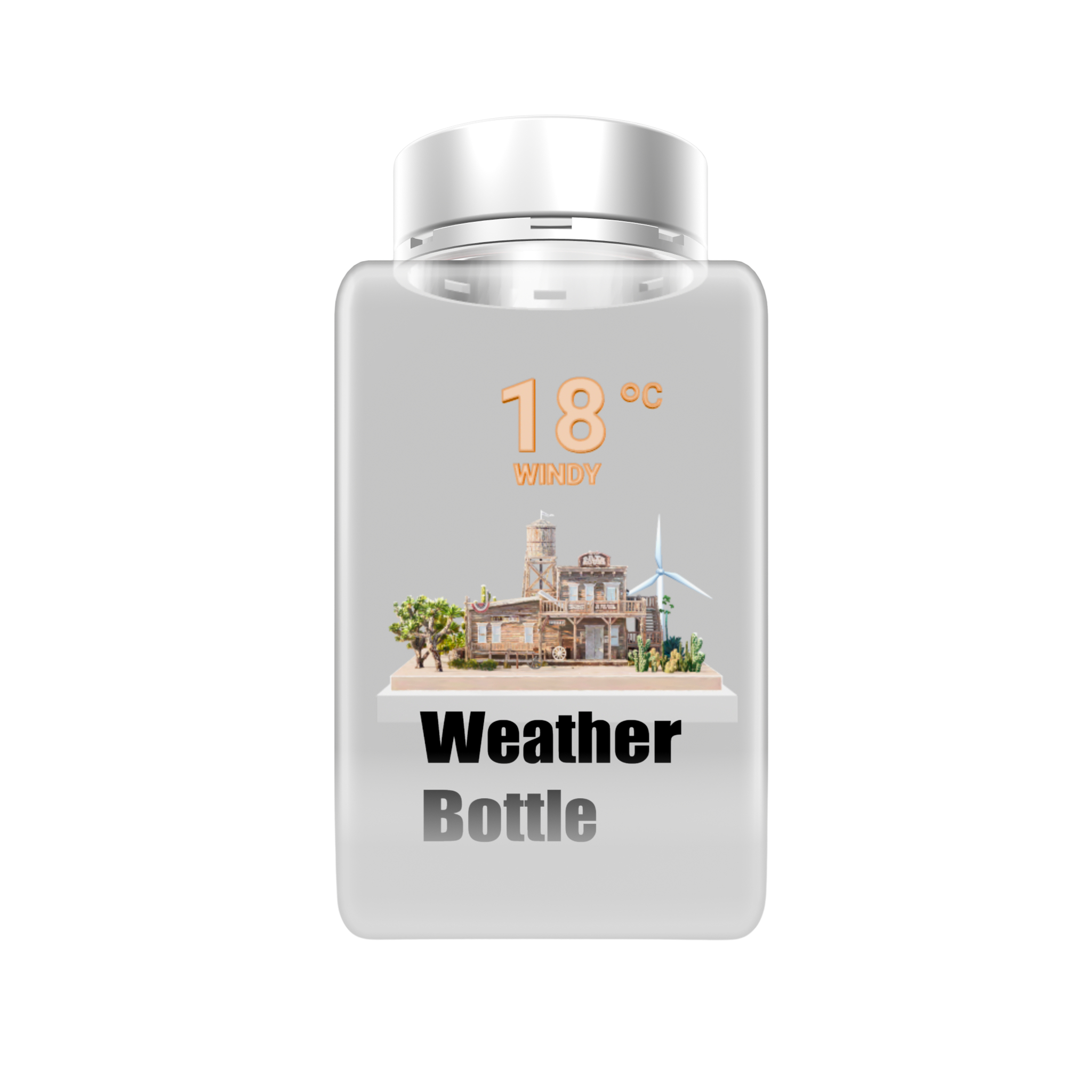
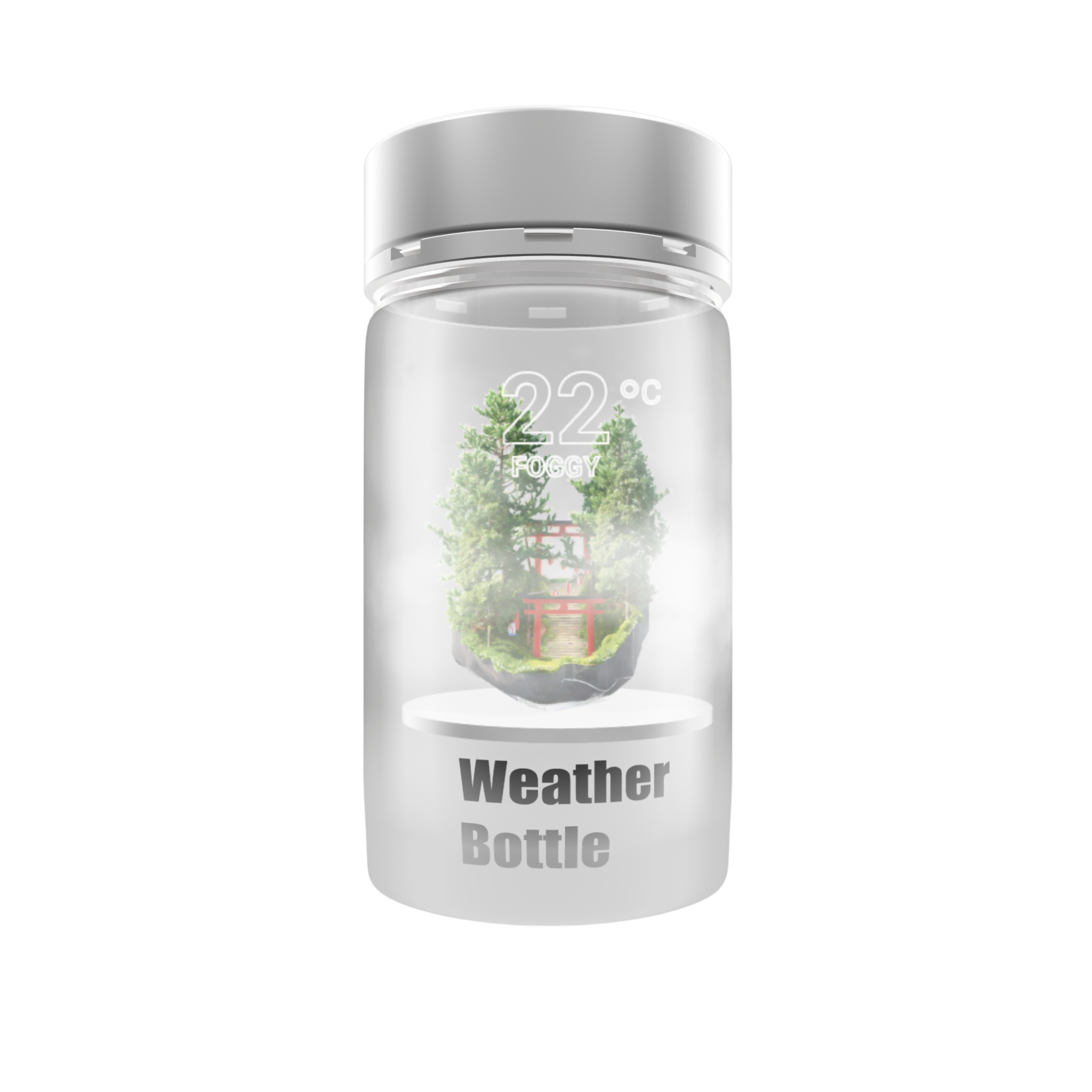
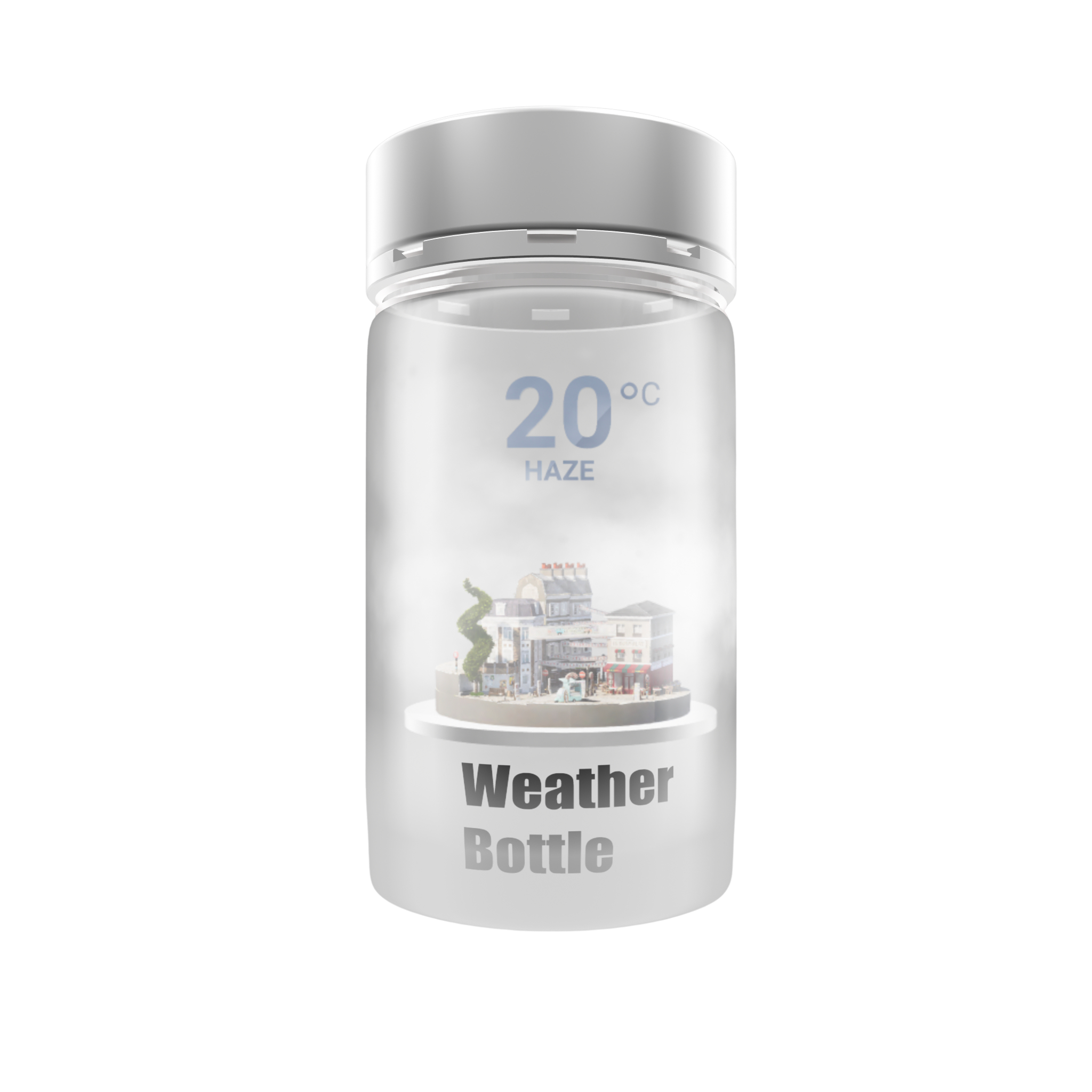
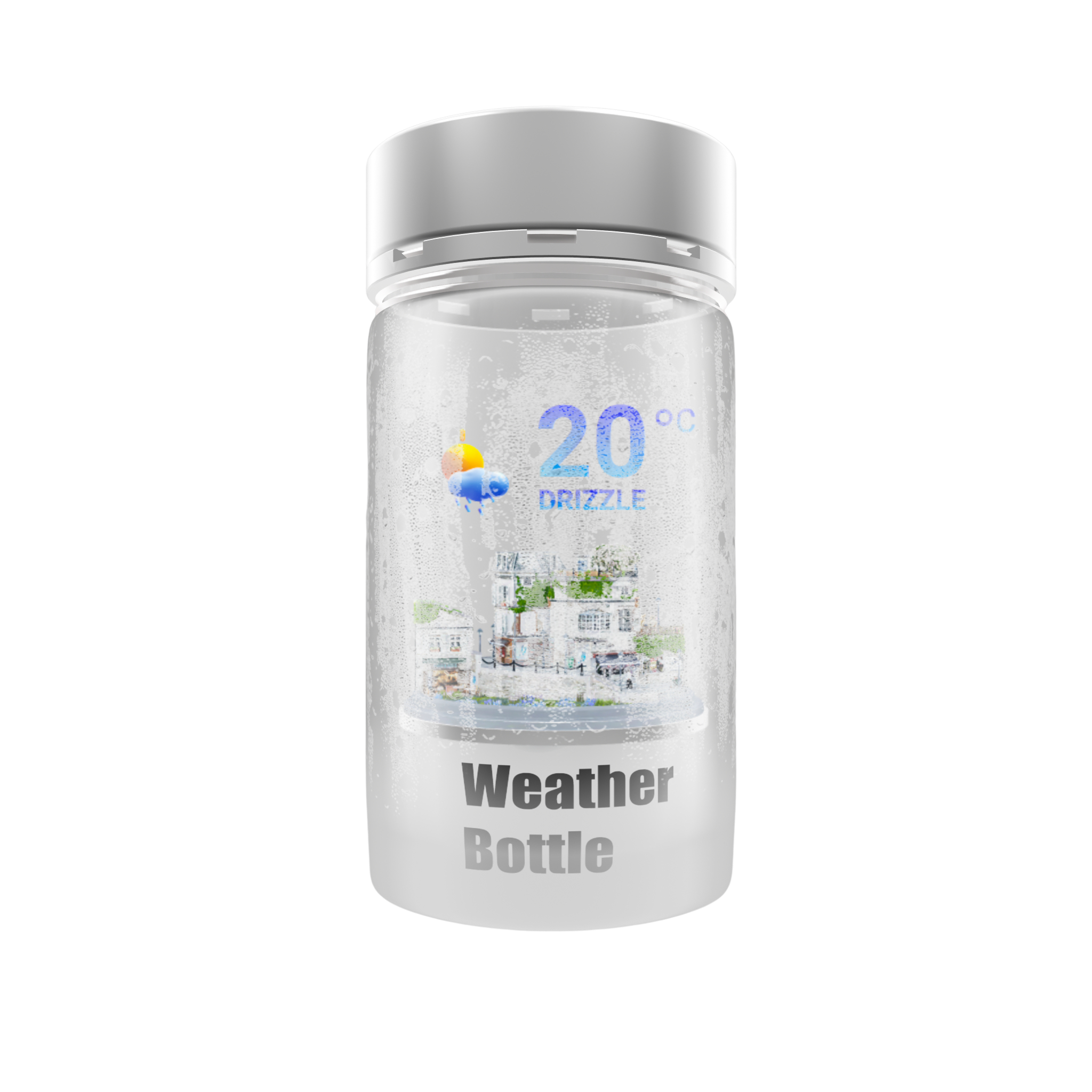
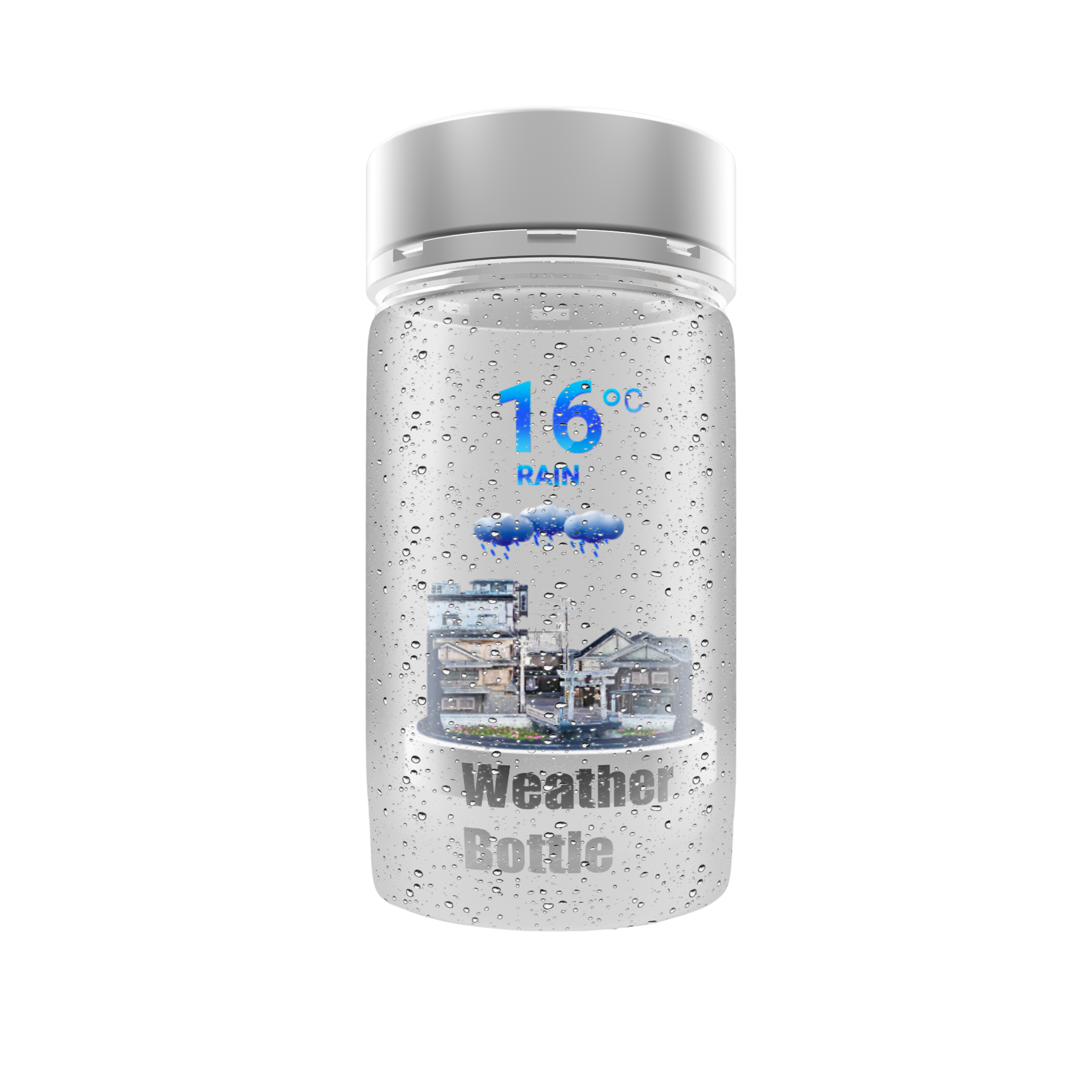
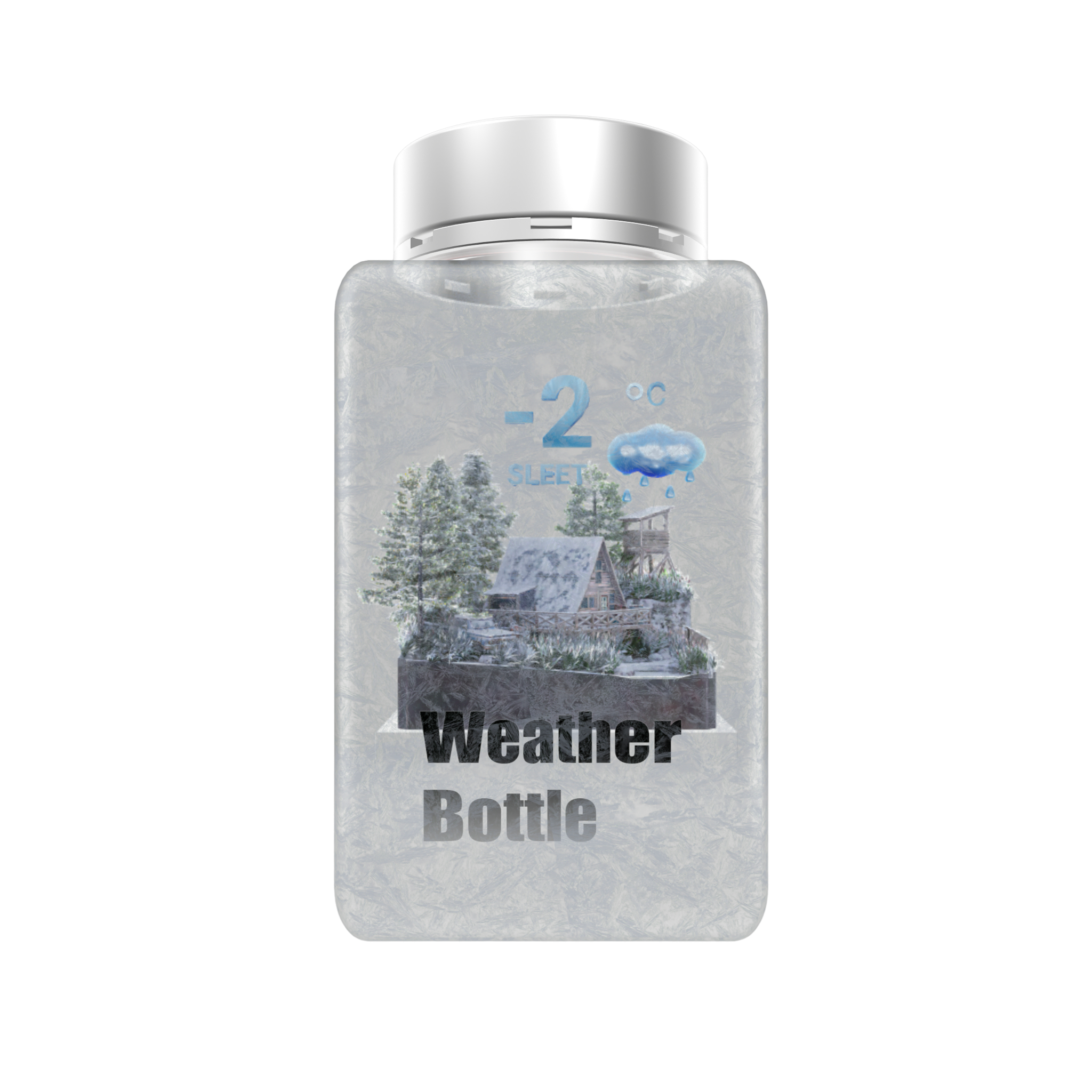
Twelve hand-crafted scenes, each with multiple backdrops — rooftops, harbors, mountains, ski towns. The bottle changes automatically with the real weather.
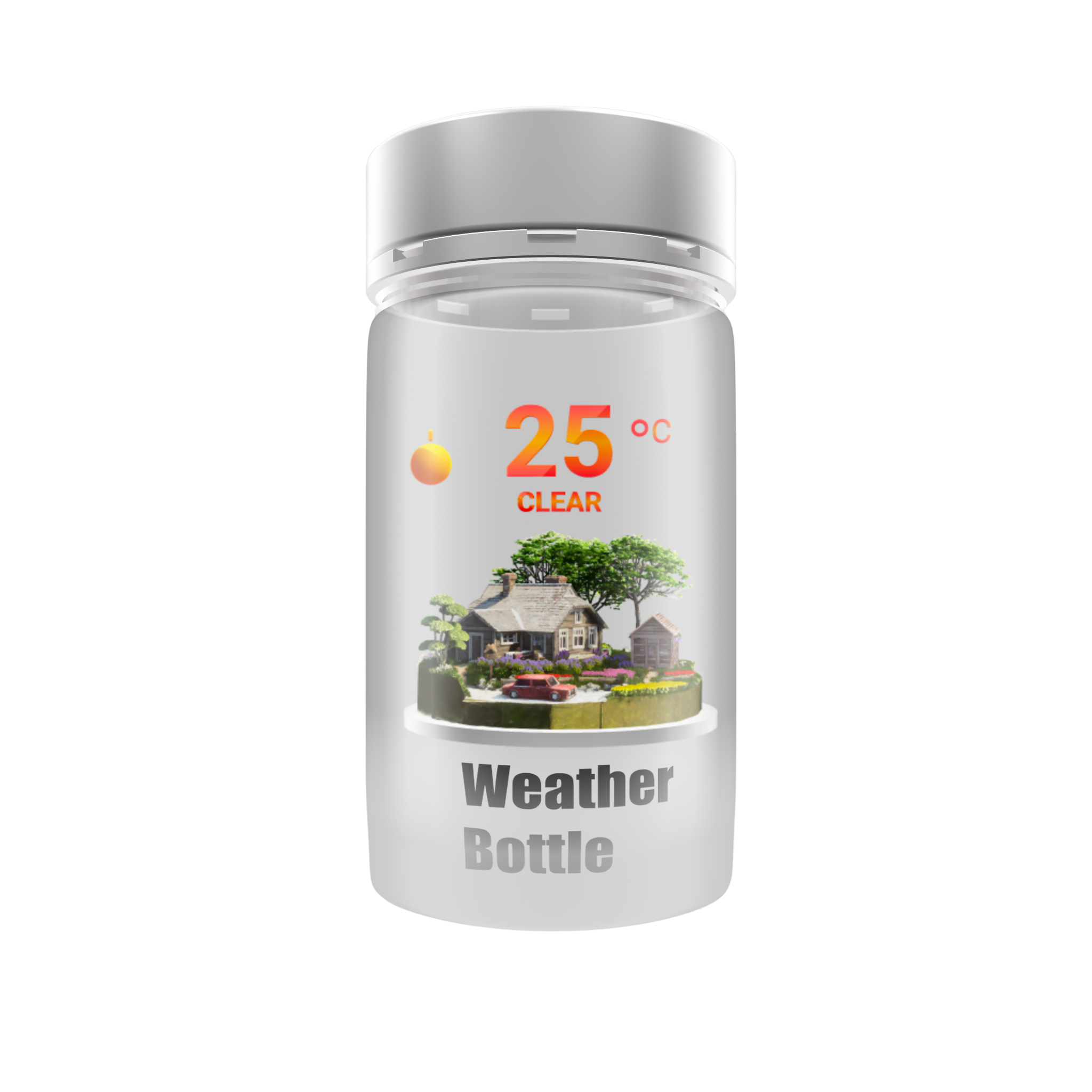
clear.scene
Weather Bottle Clear scene
ClearFree
partly-sunny.scene
Weather Bottle Partly Sunny scene
Partly SunnyFree
overcast.scene
Weather Bottle Overcast scene
OvercastFree
breeze.scene
Weather Bottle Breeze scene
BreezePro
blowing-dust.scene
Weather Bottle Blowing Dust scene
Blowing DustPro
foggy.scene
Weather Bottle Foggy scene
FoggyPro
hazy.scene
Weather Bottle Hazy scene
HazyPro
light-rain.scene
Weather Bottle Light Rain scene
Light RainPro
rainy.scene
Weather Bottle Rainy scene
RainyPro
wintry-mix.scene
Weather Bottle Wintry Mix scene
Wintry MixPro
snow.scene
Weather Bottle Snow scene
SnowPro
severe-convection.scene
Weather Bottle Severe Convection scene
Severe ConvectionPro
clear.scene
Weather Bottle Clear scene
ClearFree
partly-sunny.scene
Weather Bottle Partly Sunny scene
Partly SunnyFree
overcast.scene
Weather Bottle Overcast scene
OvercastFree
breeze.scene
Weather Bottle Breeze scene
BreezePro
blowing-dust.scene
Weather Bottle Blowing Dust scene
Blowing DustPro
foggy.scene
Weather Bottle Foggy scene
FoggyPro
hazy.scene
Weather Bottle Hazy scene
HazyPro
light-rain.scene
Weather Bottle Light Rain scene
Light RainPro
rainy.scene
Weather Bottle Rainy scene
RainyPro
wintry-mix.scene
Weather Bottle Wintry Mix scene
Wintry MixPro
snow.scene
Weather Bottle Snow scene
SnowPro
severe-convection.scene
Weather Bottle Severe Convection scene
Severe ConvectionPro
clear.scene
Weather Bottle Clear scene
ClearFree
partly-sunny.scene
Weather Bottle Partly Sunny scene
Partly SunnyFree
overcast.scene
Weather Bottle Overcast scene
OvercastFree
breeze.scene
Weather Bottle Breeze scene
BreezePro
blowing-dust.scene
Weather Bottle Blowing Dust scene
Blowing DustPro
foggy.scene
Weather Bottle Foggy scene
FoggyPro
hazy.scene
Weather Bottle Hazy scene
HazyPro
light-rain.scene
Weather Bottle Light Rain scene
Light RainPro
rainy.scene
Weather Bottle Rainy scene
RainyPro
wintry-mix.scene
Weather Bottle Wintry Mix scene
Wintry MixPro
snow.scene
Weather Bottle Snow scene
SnowPro
severe-convection.scene
Weather Bottle Severe Convection scene
Severe ConvectionPro
ClearPartly SunnyOvercastBreezeProBlowing DustProFoggyProHazyProLight RainProRainyProWintry MixProSnowProSevere ConvectionPro

How it works

Three steps to a tiny sky.

Step 1

Open the app

Weather Bottle finds where you are, or picks up any of your saved cities.

Step 2

It reads the sky

Live conditions arrive from Apple Weather — accurate, fast, trusted.

Step 3

The bottle becomes today

Sunlight, drizzle, fog or snow — the scene inside the glass follows the real world.

Forecasts

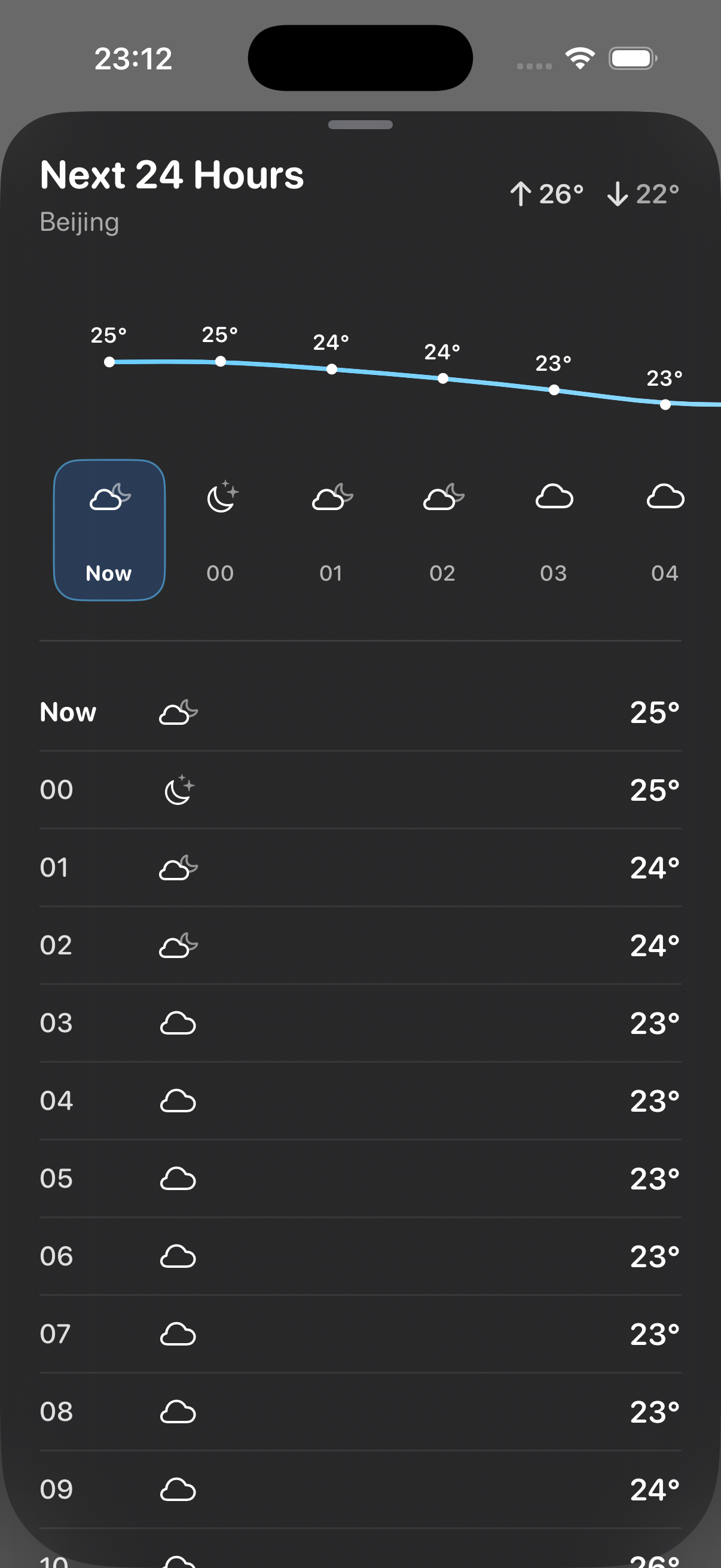
See the next 24 hours & 7 days.

Swipe up and the bottle steps aside for a moment. An hourly curve for tonight, a weekly outlook for planning — then back to the tiny world.
hourly_forecast.png
Weather Bottle 24-hour forecast for Beijing with a temperature curve and hourly list
my_cities.png
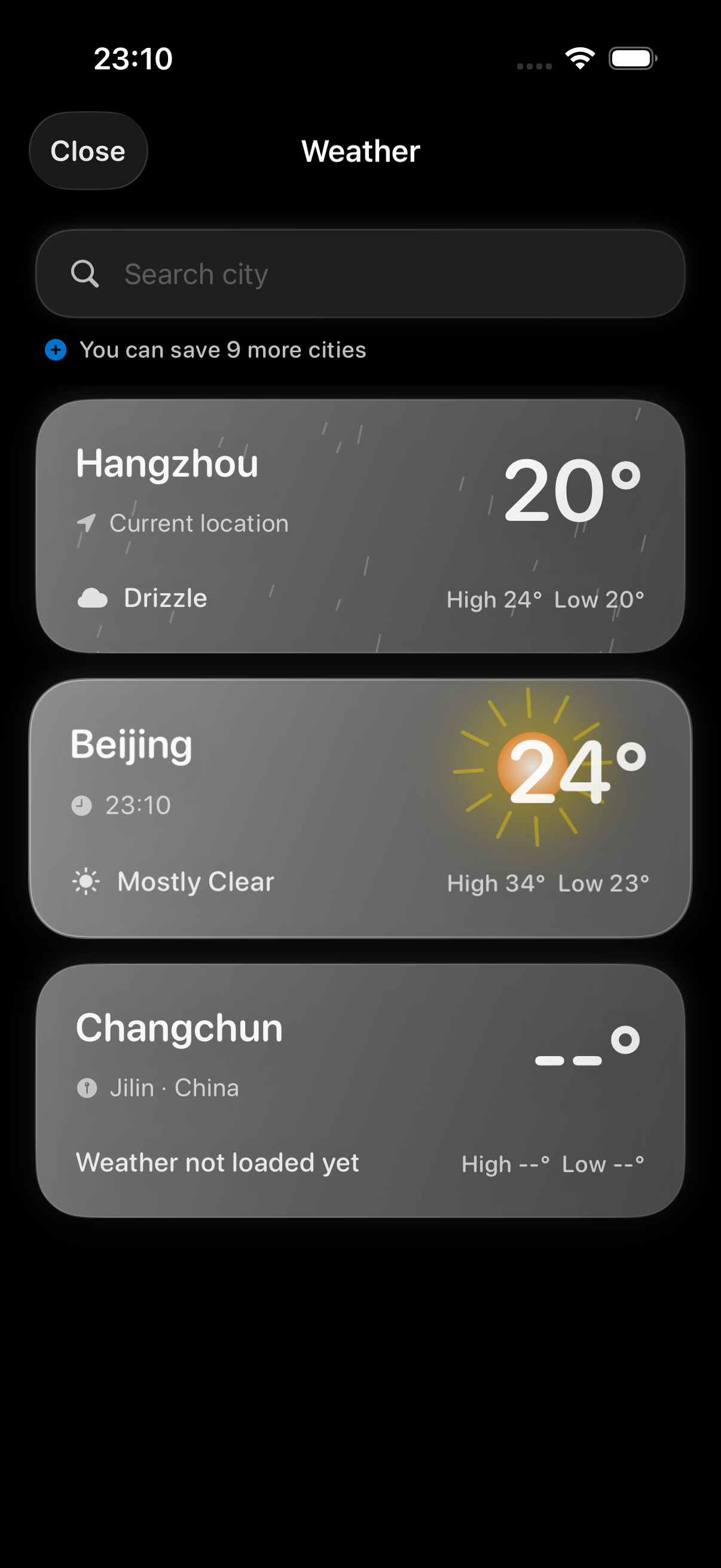
Weather Bottle saved locations list showing Hangzhou, Beijing and Changchun

Your cities

Keep up to 12 cities in your pocket.

Home, work, the town you grew up in. Save up to twelve places plus your current location, and carry each of their skies with you.

In-App Purchase

Unlock Weather Bottle Pro?

$5.99one-time

  • Unlock all 12 scenes, forever.
  • All future scenes included. No subscription.

No subscription.
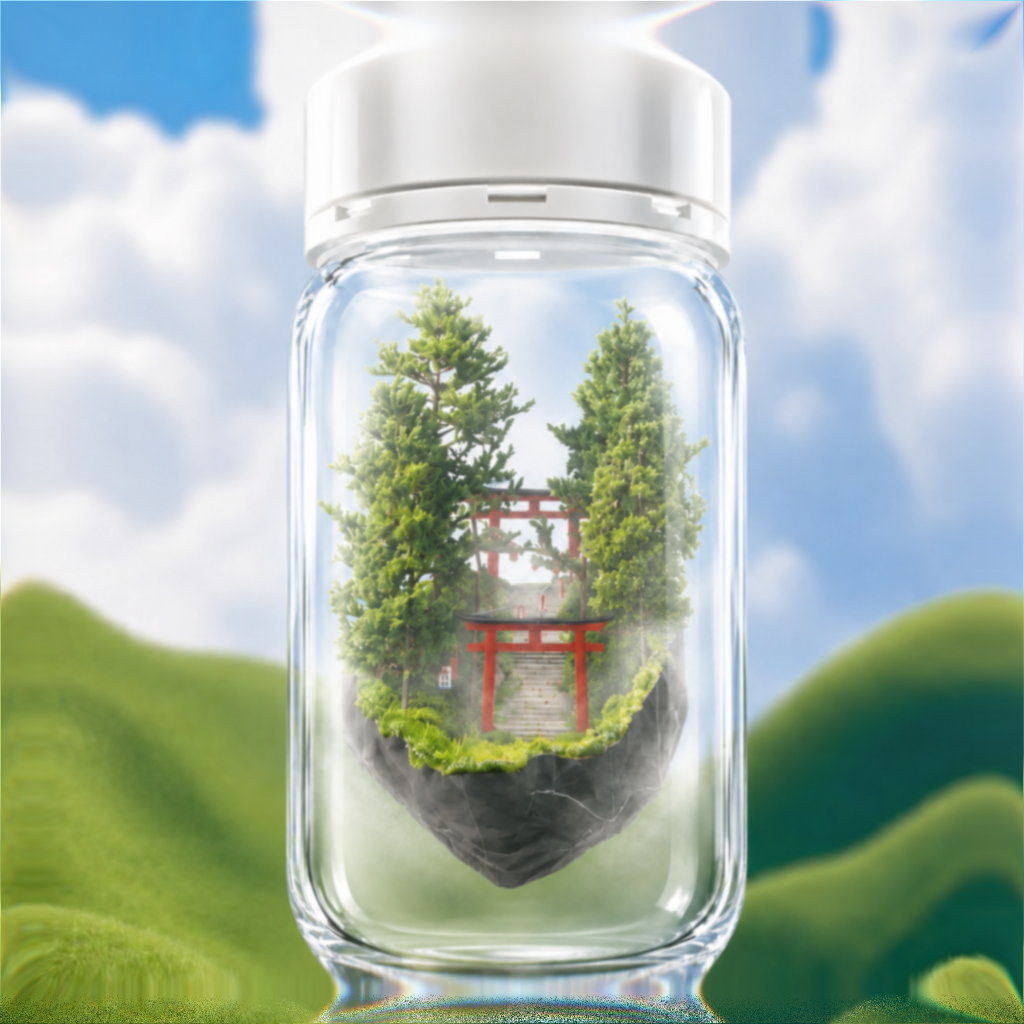
A glass Weather Bottle containing a green shrine scene against a bright cloudy sky

Put weather in a bottle.

A small living sky, waiting on your home screen.